Google Drive backup
Greatbook can keep a copy of your gradebook in your own Google Drive, so you can pick it up on another computer.
This is the one part of Greatbook that costs money. Everything else in Greatbook is free, with nothing switched off or capped.
Get the premium version $14.99 once. Your key arrives by email.
You can mark at school and open the same gradebook at home. If this computer stops working or is replaced, the copy in your Drive opens on the next one.
What you get
One payment of $14.99. There is no subscription and nothing to renew.
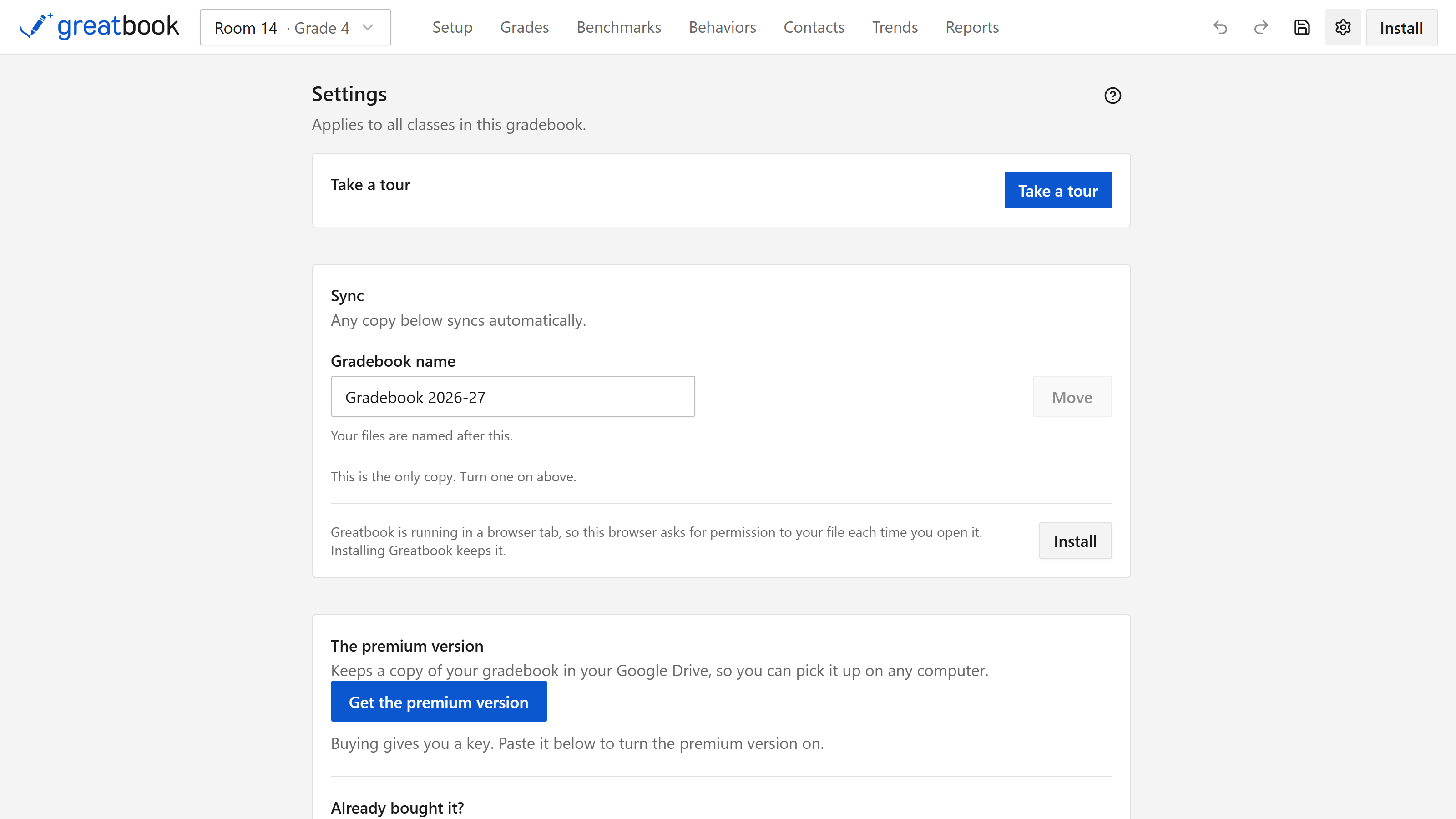
The key arrives by email. Paste it into Settings and Drive backup switches on.
One key covers five computers. If you change computer, open Settings on the old one to free the slot.
What it does
You sign in with Google, in Google's own window. From then on your gradebook is copied into your Drive whenever it changes, alongside the copy on your computer.
The copy goes straight from your computer to your Drive. We run no servers, so the file never passes through anything of ours. Your students' names and scores go from your computer to your Drive and nowhere else. We never receive them.
What Greatbook can see in your Drive
Greatbook asks for the narrowest permission Google offers: it can see only the files it created itself.
It cannot list your Drive or open any document it did not create, including files a colleague has shared with you. Google does not pass those files to the app at all.
The permission is named exactly on the privacy policy, for a district review.
Before you buy
You need a Google account, and your key is tied to it.
Drive backup is the one part of Greatbook that needs the internet. If the app goes a long time without a connection, Drive backup pauses until it can check your key again. Opening it once with a connection puts it back, and you never buy anything twice.
Many districts turn off outside apps for school Google accounts. If yours has, Greatbook does not offer Drive at all, so look in Settings before you buy.
Turning it off
Settings, under Sync, has a switch. The file already in your Drive is yours and stays where it is.
You can also withdraw the permission from your Google account.
Questions
Purchases, keys and refunds: support@doublespaced.app.
Anything about the app itself is better on the issue tracker, where other teachers can see the answer.